UI Developer Interview Questions for 2026 Success
Master UI developer interview questions with expert guidance on technical skills, design principles, and practical scenarios to land your dream role.
Landing a UI developer role in 2026 requires more than just technical proficiency. Employers seek candidates who demonstrate a comprehensive understanding of user interface design principles, front-end technologies, accessibility standards, and collaborative workflows. Whether you're preparing for your first UI developer position or advancing your career, understanding the most common ui developer interview questions helps you showcase your expertise effectively. This guide explores essential questions across multiple categories, providing insights into what hiring managers evaluate and how to structure your responses for maximum impact.
Understanding the UI Developer Role
UI developers occupy a critical position at the intersection of design and development. They transform visual designs into functional, interactive interfaces that users engage with daily.
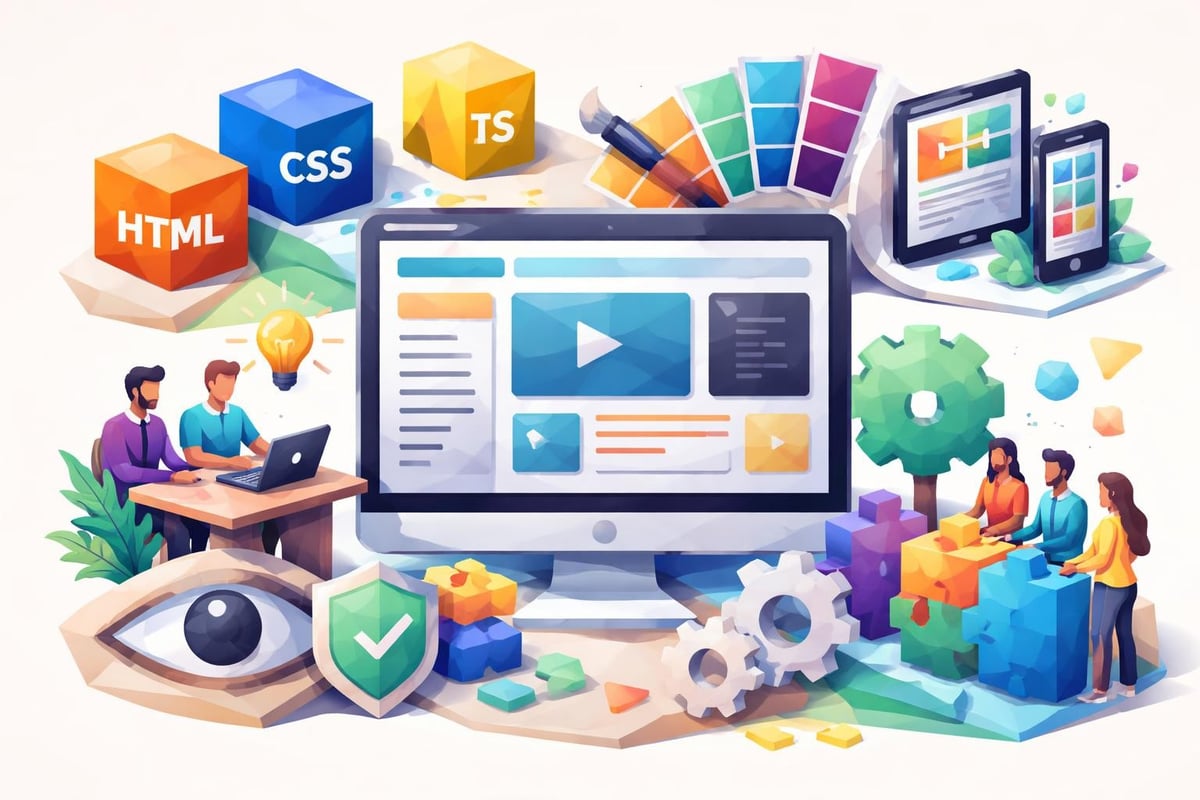
The role demands proficiency in HTML, CSS, and JavaScript while requiring a keen eye for aesthetics and user experience. Modern UI developers must also understand responsive design principles, accessibility guidelines, and performance optimization techniques. Companies increasingly value candidates who can bridge communication gaps between design teams and back-end developers.
In 2026, the UI developer landscape continues evolving with emerging frameworks, design systems, and collaboration tools. Employers assess candidates not just on current knowledge but on their ability to adapt and learn. Comprehensive interview questions often explore both technical depth and collaborative soft skills.
Core Technical UI Developer Interview Questions
Technical questions form the foundation of most ui developer interview questions. These assess your understanding of fundamental web technologies and your ability to apply them practically.
HTML and Semantic Markup
Interviewers frequently ask about HTML5 semantic elements and their importance. Understanding when to use <article>, <section>, <nav>, and <aside> demonstrates knowledge of proper document structure.
Common questions include:
- How do semantic HTML elements improve accessibility and SEO?
- What's the difference between
<div>and<span>elements? - When would you use a
<button>versus an<a>tag? - How do you ensure form inputs are accessible to screen readers?
Expect to explain how semantic markup creates more maintainable code and provides meaning to assistive technologies. Strong candidates discuss the accessibility tree and how browsers interpret semantic elements differently than generic containers.
CSS Fundamentals and Advanced Concepts
CSS questions range from basic selectors to complex layout systems. Detailed technical questions probe your understanding of specificity, the cascade, and modern layout techniques.
| CSS Concept | Interview Focus | Key Points to Cover |
|---|---|---|
| Box Model | Padding, border, margin calculations | Content-box vs border-box sizing |
| Flexbox | Alignment and distribution | Main axis, cross axis, flex properties |
| Grid | Two-dimensional layouts | Grid template areas, fr units, auto-fill |
| Positioning | Static, relative, absolute, fixed, sticky | Stacking context, z-index behavior |
| Responsive Design | Media queries, fluid layouts | Mobile-first approach, breakpoint strategy |
You should articulate how CSS preprocessors like Sass or Less enhance development workflow through variables, mixins, and nesting. Modern interviews also cover CSS-in-JS approaches and their trade-offs compared to traditional stylesheets.
JavaScript and Interactivity
JavaScript questions assess your ability to create dynamic, interactive interfaces. Expect to discuss event handling, DOM manipulation, and asynchronous operations.
Interviewers may present coding challenges requiring you to:
- Implement event delegation for improved performance
- Create debounce or throttle functions for scroll events
- Build accessible dropdown menus or modals
- Handle form validation with user-friendly error messages
- Fetch data from APIs and update the interface dynamically
Understanding the event loop, promises, and async/await syntax proves essential. Modern UI developers should also be familiar with ES6+ features like destructuring, spread operators, arrow functions, and template literals.
Framework and Library Questions
Most UI developer positions in 2026 require experience with modern JavaScript frameworks. Interview questions explore both conceptual understanding and practical implementation skills.
React Ecosystem
React remains dominant in the UI development landscape. Prepare to discuss component lifecycle methods, hooks, state management, and performance optimization.
Key React topics include:
- When to use functional components versus class components
- How useState and useEffect hooks work
- Implementing proper key props in lists
- Context API versus prop drilling
- Virtual DOM reconciliation process
Interviewers often ask about React performance optimization techniques like useMemo, useCallback, and React.memo. Understanding when and why to optimize demonstrates advanced proficiency.
Angular and Vue.js
Depending on the company's tech stack, you might face questions about Angular or Vue.js. Both frameworks have distinct philosophies and architectural patterns.
Angular questions typically cover:
- Dependency injection and its benefits
- RxJS observables and reactive programming
- Component communication through services
- Change detection strategies
- Angular CLI and project structure
Vue.js interviews focus on:
- Reactivity system and reactive data
- Single-file components structure
- Computed properties versus watchers
- Vuex state management patterns
- Composition API in Vue 3
Design System and Component Architecture
Modern UI developers work extensively with design systems and reusable component libraries. Career-focused interview questions explore your ability to build scalable, maintainable interface components.
Building Reusable Components
Interviewers assess your approach to component design, focusing on reusability, flexibility, and consistency. Strong candidates explain how they create components that serve multiple use cases without becoming overly complex.
Consider discussing:
- Props API design and sensible defaults
- Composition patterns versus configuration
- When to split components into smaller pieces
- Documentation strategies for component libraries
- Version control for design system updates
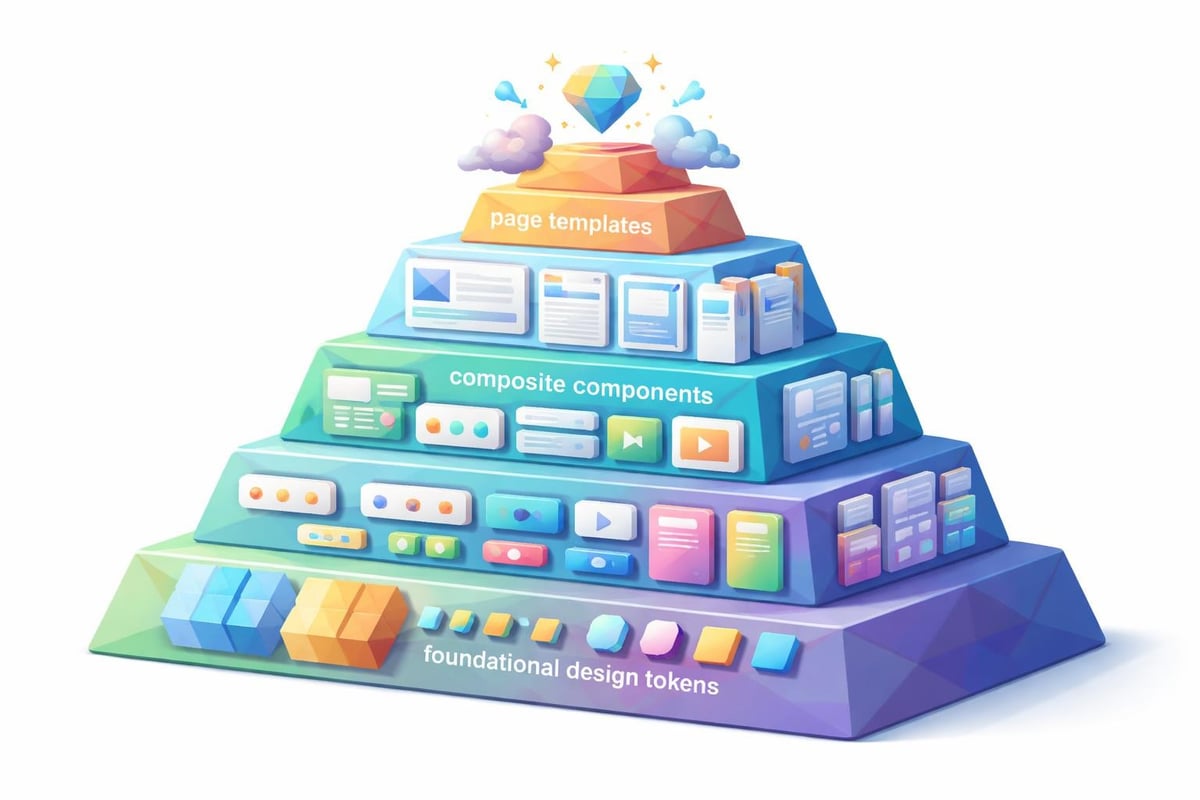
Your answers should reflect understanding of atomic design principles, where interfaces build from small atoms into molecules, organisms, templates, and pages.
Accessibility in UI Development
Accessibility questions have become standard in ui developer interview questions as companies prioritize inclusive design. Expect in-depth discussions about WCAG guidelines, ARIA attributes, and assistive technologies.
| Accessibility Area | Interview Questions | Best Practices |
|---|---|---|
| Keyboard Navigation | Tab order, focus management, skip links | Logical flow, visible focus indicators |
| Screen Readers | ARIA labels, roles, live regions | Semantic HTML first, ARIA when needed |
| Color Contrast | WCAG AA/AAA compliance | Minimum 4.5:1 for normal text |
| Form Accessibility | Labels, error messages, validation | Clear instructions, accessible error handling |
| Dynamic Content | Updates, loading states, notifications | Appropriate ARIA live regions |
Demonstrating familiarity with tools like axe DevTools, Lighthouse accessibility audits, and screen reader testing (NVDA, JAWS, VoiceOver) strengthens your candidacy significantly.
Performance Optimization Questions
UI developers directly impact application performance through their code. Interviewers probe your knowledge of optimization techniques and performance measurement.
Loading Performance
Questions about initial page load optimization reveal your understanding of critical rendering path, resource prioritization, and delivery strategies.
Discuss techniques such as:
- Code splitting and lazy loading for JavaScript bundles
- Critical CSS extraction and inline styles
- Image optimization through modern formats (WebP, AVIF)
- Resource hints (preload, prefetch, preconnect)
- Content delivery networks and caching strategies
Strong candidates reference Core Web Vitals metrics: Largest Contentful Paint (LCP), First Input Delay (FID), and Cumulative Layout Shift (CLS). Explain how your UI decisions influence these measurements.
Runtime Performance
Beyond initial load, interviewers assess your ability to maintain smooth, responsive interfaces during user interaction. Performance-focused questions explore animation, rendering, and memory management.
Address concepts like:
- RequestAnimationFrame for smooth animations
- Avoiding layout thrashing and forced reflows
- Virtual scrolling for long lists
- Memoization to prevent unnecessary recalculations
- Memory leak prevention in single-page applications
Demonstrating proficiency with browser DevTools Performance panel and understanding frame rates, paint events, and JavaScript execution time shows technical depth.
Responsive Design and Cross-Browser Compatibility
Creating interfaces that work across devices and browsers remains fundamental to UI development. Interview questions assess both your technical approach and problem-solving methodology.
Mobile-First Development
The mobile-first approach starts with mobile constraints and progressively enhances for larger screens. Explain how this strategy improves performance and focuses on essential content.
Your response might cover:
- Viewport meta tags and proper configuration
- Touch target sizing for improved usability
- Responsive images with srcset and sizes attributes
- Breakpoint strategies based on content, not devices
- Testing across real devices versus emulators
Discuss how you handle navigation patterns, form inputs, and interactive elements differently between mobile and desktop contexts.
Browser Compatibility Strategies
Despite standardization efforts, browsers still render elements differently. Interviewers want to know how you handle inconsistencies and ensure broad compatibility.
Address your approach to:
- Feature detection versus browser detection
- Progressive enhancement versus graceful degradation
- Polyfills for newer JavaScript features
- CSS vendor prefixes and autoprefixing tools
- Testing strategies across browser versions
Reference tools like BrowserStack, Can I Use, and Autoprefixer. Mention how you determine which browsers to support based on analytics data and user demographics.
CSS Methodologies and Architecture
As projects scale, CSS architecture becomes critical. UI developer interview questions often explore your experience with CSS methodologies and organizational strategies.
BEM, SMACSS, and Other Approaches
Different teams adopt different CSS naming conventions and organizational patterns. Understanding various methodologies demonstrates adaptability.
BEM (Block Element Modifier) questions explore:
- How you structure class names for clarity
- Avoiding nested selectors for specificity control
- Modifiers for component variations
- When BEM becomes overly verbose
SMACSS (Scalable and Modular Architecture for CSS) focuses on:
- Categorizing rules into base, layout, module, state, and theme
- Separating structure from skin
- Minimizing depth of applicability
Discuss how you've applied these methodologies in real projects, including challenges encountered and adaptations made.
CSS Preprocessors and Modern Tools
While vanilla CSS has gained powerful features, preprocessors remain popular. Comprehensive guides examine your tooling knowledge and workflow optimization.
Compare Sass, Less, and PostCSS, discussing:
- Variables, mixins, and functions
- Nesting capabilities and risks of over-nesting
- Partials and file organization
- Build process integration
- Migration paths from preprocessors to CSS custom properties
Modern candidates should also discuss CSS modules, styled-components, or other CSS-in-JS solutions, weighing their advantages for component-based architectures.
Version Control and Collaboration
UI developers rarely work in isolation. Interview questions assess your collaboration skills, version control proficiency, and ability to work within team workflows.
Git Workflows and Best Practices
Understanding Git beyond basic commands demonstrates professional development experience. Expect questions about branching strategies, merge conflicts, and code review processes.
Discuss your familiarity with:
- Feature branch workflows versus trunk-based development
- Writing meaningful commit messages
- Resolving merge conflicts in HTML, CSS, and JavaScript
- Using interactive rebase to clean commit history
- Pull request reviews and constructive feedback
Mention specific experiences where version control prevented issues or facilitated effective team collaboration.
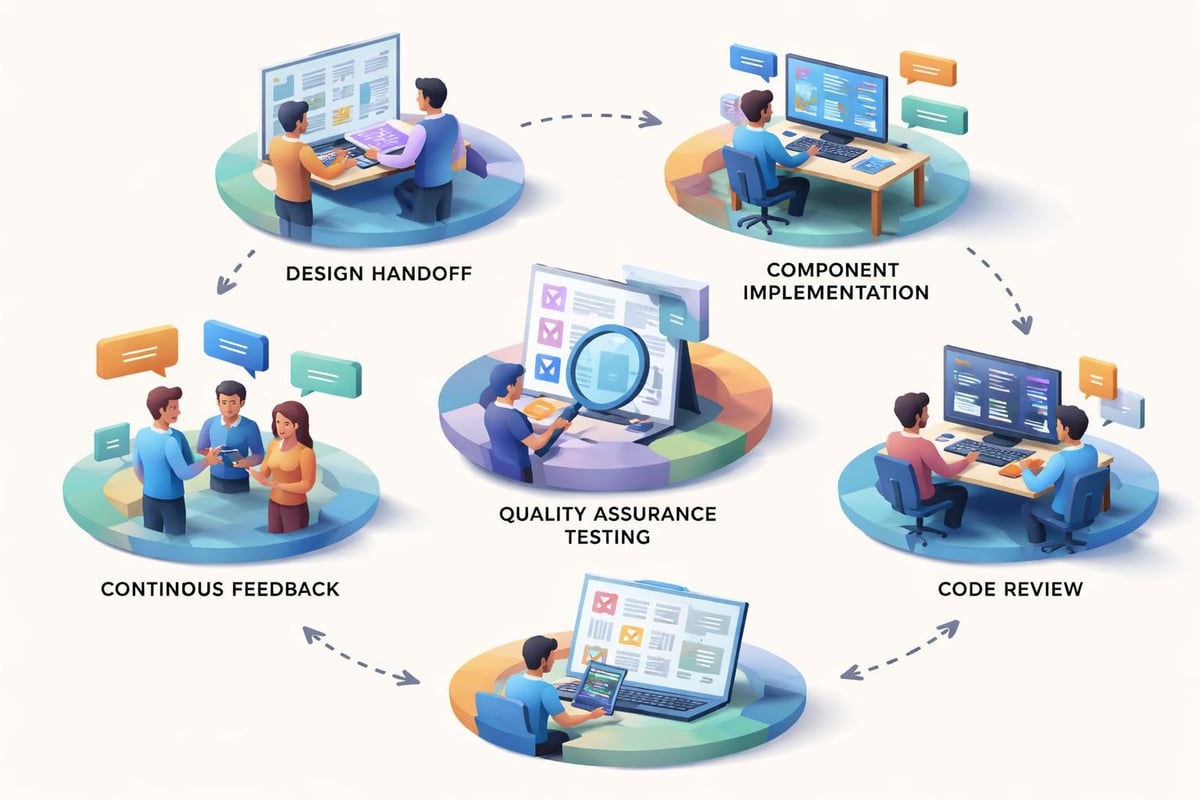
Design-Developer Handoff
The transition from design to implementation requires clear communication and established processes. Interviewers evaluate how you bridge the gap between designers and developers.
Address topics such as:
- Working with Figma, Sketch, or Adobe XD files
- Extracting design tokens (colors, typography, spacing)
- Clarifying ambiguous design specifications
- Providing feedback on design feasibility
- Documenting implementation decisions
Strong answers demonstrate respect for the design process while advocating for technical constraints and user experience improvements.
Problem-Solving and Scenario-Based Questions
Beyond technical knowledge, interviewers present real-world scenarios to assess your problem-solving approach and decision-making process.
Debugging Complex UI Issues
Expect questions about diagnosing and resolving difficult interface problems. Describe your systematic approach to debugging, including:
- Reproducing issues consistently across environments
- Isolating problems through elimination
- Using browser DevTools effectively
- Reading and interpreting console errors
- Testing hypotheses methodically
Share specific examples of challenging bugs you've resolved, emphasizing your analytical process rather than just the solution.
Balancing Competing Priorities
UI developers face constant trade-offs between speed, quality, accessibility, and feature completeness. Scenario questions explore how you navigate these tensions.
Consider situations like:
- Meeting tight deadlines while maintaining code quality
- Implementing quick fixes versus refactoring for long-term maintainability
- Balancing pixel-perfect designs with responsive flexibility
- Prioritizing accessibility when timelines are compressed
Your answers should reflect mature judgment, communication with stakeholders, and advocacy for sustainable development practices. If you're preparing for multiple technical interviews, exploring interview preparation resources can strengthen your overall strategy.
Testing and Quality Assurance
Modern UI development includes comprehensive testing strategies. Interview questions probe your experience with various testing approaches and quality assurance practices.
Unit and Component Testing
Testing individual components ensures reliability and prevents regressions. Discuss your experience with testing frameworks and methodologies.
Common testing topics include:
- Jest for JavaScript unit testing
- React Testing Library or Enzyme for component testing
- Writing testable code and dependency injection
- Test coverage metrics and meaningful thresholds
- Test-driven development (TDD) practices
Explain how you structure tests to be maintainable, focusing on behavior rather than implementation details. Strong candidates discuss testing accessibility features within component tests.
End-to-End Testing
While unit tests verify individual pieces, end-to-end tests validate complete user flows. Address your experience with tools like Cypress, Playwright, or Selenium.
Discuss:
- Critical user journeys worth testing
- Balancing test coverage with execution time
- Handling flaky tests in CI/CD pipelines
- Visual regression testing for UI consistency
- Testing across different viewports and devices
Reference how automated testing integrates into continuous integration workflows and catches issues before production deployment.
Build Tools and Development Environment
Professional UI development requires sophisticated tooling. Detailed technical resources explore your familiarity with modern build processes and development environments.
Module Bundlers and Task Runners
Understanding how code transforms from development to production demonstrates professional competency. Discuss your experience with webpack, Rollup, Vite, or Parcel.
Key concepts include:
- Module resolution and dependency graphs
- Tree shaking for reducing bundle size
- Hot module replacement for development efficiency
- Environment-specific configurations
- Asset processing (images, fonts, styles)
Explain optimization techniques like code splitting, dynamic imports, and chunk naming strategies that improve application performance.
Package Management and Dependencies
Managing third-party dependencies requires understanding package managers and version control. Address your experience with npm, Yarn, or pnpm.
Discuss topics such as:
- Semantic versioning and dependency updates
- Lock files and reproducible builds
- Evaluating packages before adoption (size, maintenance, security)
- Handling dependency vulnerabilities
- Creating and publishing reusable packages
Strong candidates mention strategies for keeping dependencies current while maintaining stability, including automated update tools like Dependabot.
Staying Current with Industry Trends
Technology evolves rapidly, and employers value candidates who actively maintain and expand their skills. Interviewers often ask how you stay informed about UI development trends.
Learning Resources and Professional Development
Demonstrate genuine enthusiasm for continuous learning by discussing specific resources and practices.
Mention approaches like:
- Following influential developers and thought leaders
- Reading technical blogs and documentation
- Participating in online communities (Stack Overflow, Reddit, Discord)
- Attending conferences or meetups
- Contributing to open-source projects
- Experimenting with new technologies in side projects
Specific examples carry more weight than generic statements. Reference recent technologies you've explored and how they've influenced your development approach.
Emerging Technologies and Future Trends
In 2026, several technologies shape UI development's future. Discussing emerging trends shows forward-thinking and adaptability.
Current areas of evolution include:
- Web Components and framework-agnostic development
- Progressive Web Apps and offline-first capabilities
- WebAssembly for performance-critical applications
- Motion design and advanced animations
- AI-assisted development tools and code generation
While demonstrating awareness of trends, acknowledge that fundamental skills in HTML, CSS, and JavaScript remain essential regardless of frameworks or tools.
Behavioral and Soft Skill Questions
Technical proficiency alone doesn't guarantee success. UI developer interview questions increasingly include behavioral components assessing communication, collaboration, and cultural fit.
Working with Cross-Functional Teams
UI developers collaborate with designers, back-end developers, product managers, and stakeholders. Explain how you navigate these relationships effectively.
Address scenarios involving:
- Advocating for technical constraints without dismissing creative ideas
- Translating technical concepts for non-technical audiences
- Resolving conflicts between design vision and implementation reality
- Gathering requirements and clarifying ambiguous specifications
- Providing estimates and managing expectations
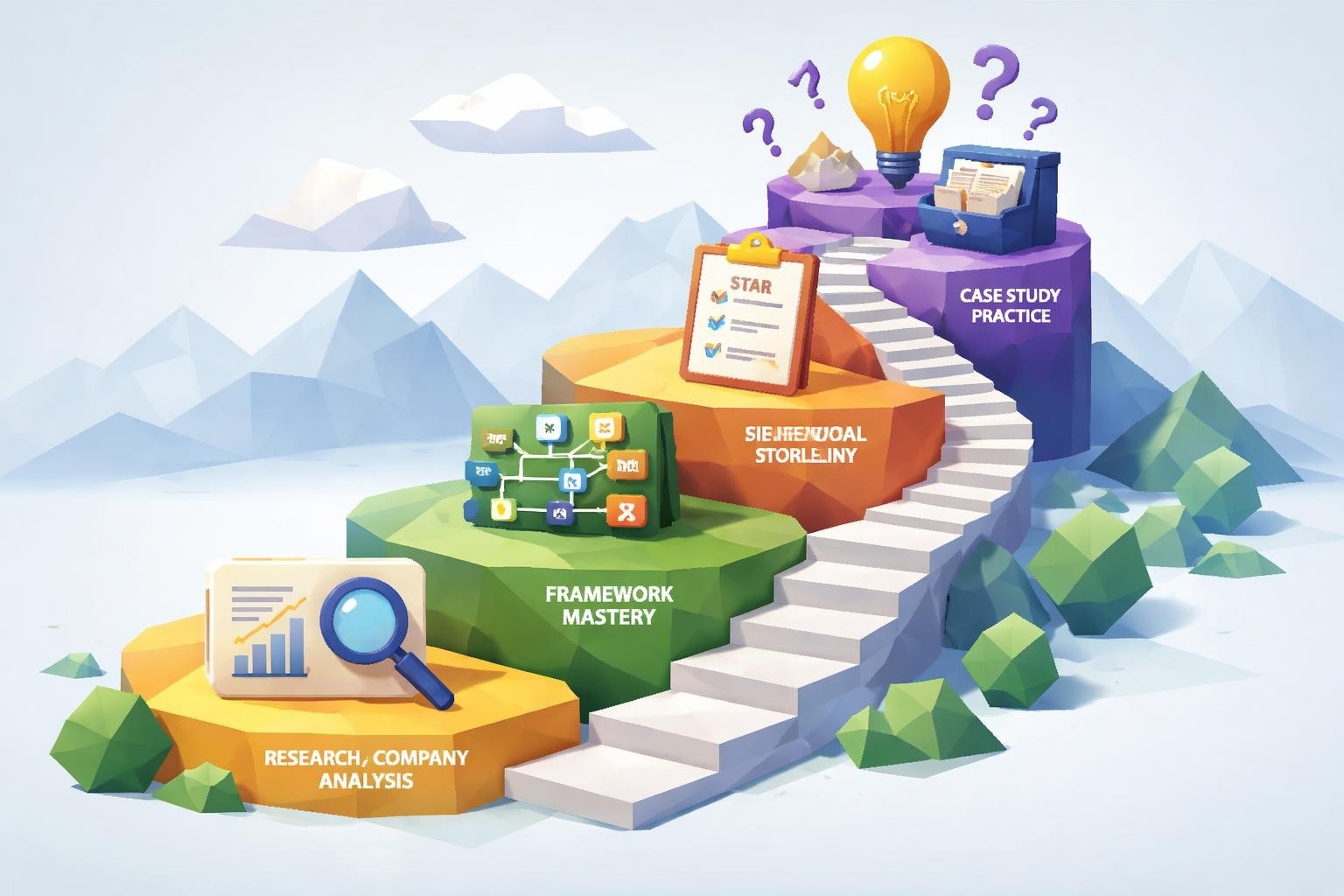
Use the STAR method (Situation, Task, Action, Result) to structure responses with specific examples from your experience.
Handling Feedback and Iteration
Development is inherently iterative. Interviewers want to understand how you receive critique and incorporate feedback.
Discuss your approach to:
- Code reviews and constructive criticism
- User testing results that contradict your assumptions
- Design changes requiring significant rework
- Performance issues identified in production
- Accessibility problems discovered late in development
Frame your responses around growth mindset, continuous improvement, and learning from mistakes. Similar behavioral dynamics appear across technical roles, as seen in engineering management interviews.
Portfolio and Project Discussion
Many UI developer interviews include reviewing your portfolio or discussing previous projects. Prepare to articulate your contributions, decisions, and learnings clearly.
Presenting Your Work Effectively
Select portfolio pieces that showcase diverse skills and meaningful challenges. For each project, prepare to discuss:
| Project Aspect | Discussion Points | Questions to Anticipate |
|---|---|---|
| Problem Statement | User needs, business goals, constraints | What problem were you solving? |
| Your Role | Specific responsibilities, team structure | What did you personally build? |
| Technical Decisions | Technology choices, architecture | Why did you choose this approach? |
| Challenges | Obstacles encountered, solutions implemented | What was the hardest part? |
| Outcomes | Metrics, user feedback, business impact | How did you measure success? |
Avoid simply describing what's visible in screenshots. Explain the thinking behind your decisions and the impact of your work.
Discussing Technical Trade-offs
Every project involves compromises between ideal solutions and practical constraints. Demonstrating awareness of trade-offs signals mature judgment.
Be prepared to discuss:
- Browser support decisions and their impact
- Performance versus feature richness
- Custom implementations versus third-party libraries
- Build complexity versus developer experience
- Time-to-market pressures versus technical debt
Honest reflection on what you'd do differently with more time or resources shows self-awareness and continuous learning.
Practical Coding Challenges
Most ui developer interview questions include hands-on coding components. These assess your ability to translate requirements into working code under time pressure.
Common Live Coding Scenarios
Expect to implement interactive components or solve specific UI challenges during interviews. Practice common scenarios beforehand to build confidence.
Typical challenges include:
- Building a responsive navigation menu
- Creating an accessible modal dialog
- Implementing autocomplete search functionality
- Designing a photo gallery with filtering
- Building a multi-step form with validation
Focus on writing clean, readable code even under time constraints. Communicate your thought process, explaining decisions as you code.
Whiteboard Design Questions
Some interviews include whiteboard sessions where you diagram component architecture or data flow without writing actual code.
These sessions assess:
- How you decompose complex interfaces into components
- Your understanding of component communication patterns
- State management strategies for complex applications
- API integration and data fetching approaches
- Error handling and loading state management
Practice sketching component hierarchies and explaining relationships between UI elements and application state. Optimizing your resume with technical keywords can also improve your chances of reaching the interview stage, so consider using an ATS-optimized resume builder.
Industry-Specific Considerations
UI development varies significantly across industries. Understanding domain-specific requirements demonstrates adaptability and broader perspective.
E-commerce and Retail
E-commerce interfaces prioritize conversion optimization, performance, and accessibility. Discuss experience with:
- Product listing and filtering interfaces
- Shopping cart and checkout flow optimization
- Image galleries and zoom functionality
- Real-time inventory updates
- Payment integration and security considerations
Mention familiarity with A/B testing, analytics integration, and conversion rate optimization techniques.
SaaS and Enterprise Applications
Software-as-a-service platforms require complex, data-intensive interfaces. Relevant topics include:
- Dashboard and data visualization components
- Table interfaces with sorting, filtering, and pagination
- Form-heavy workflows with complex validation
- Real-time updates and collaborative features
- Theming and white-labeling capabilities
Address scalability challenges when building interfaces that handle large datasets or support thousands of concurrent users.
Content and Media Platforms
Content-focused sites emphasize readability, performance, and engagement. Discuss considerations like:
- Typography and vertical rhythm
- Reading experience optimization
- Infinite scroll versus pagination
- Video player integration and controls
- Advertisement integration without degrading experience
Reference experience with content management systems, static site generators, or headless CMS architectures.
Mastering ui developer interview questions requires balancing technical depth with communication skills, demonstrating both what you know and how you apply that knowledge to real-world challenges. Success comes from thorough preparation, honest self-assessment, and genuine enthusiasm for creating exceptional user interfaces. Whether you're crafting the perfect response or building an impressive portfolio, CareerConcierge.io provides AI-powered tools for resume optimization, interview preparation, and comprehensive job application support to help you land your ideal UI developer position.